

1. Set Up Your Agent
Install the Upstash plugin in Claude Code or Codex. It adds the MCP server and the skills in one step:Other clients
Other clients
Add the remote MCP server to your client, then install the skills.See Install by agent for every other client.
- Claude Code
- Cursor
- OpenAI Codex
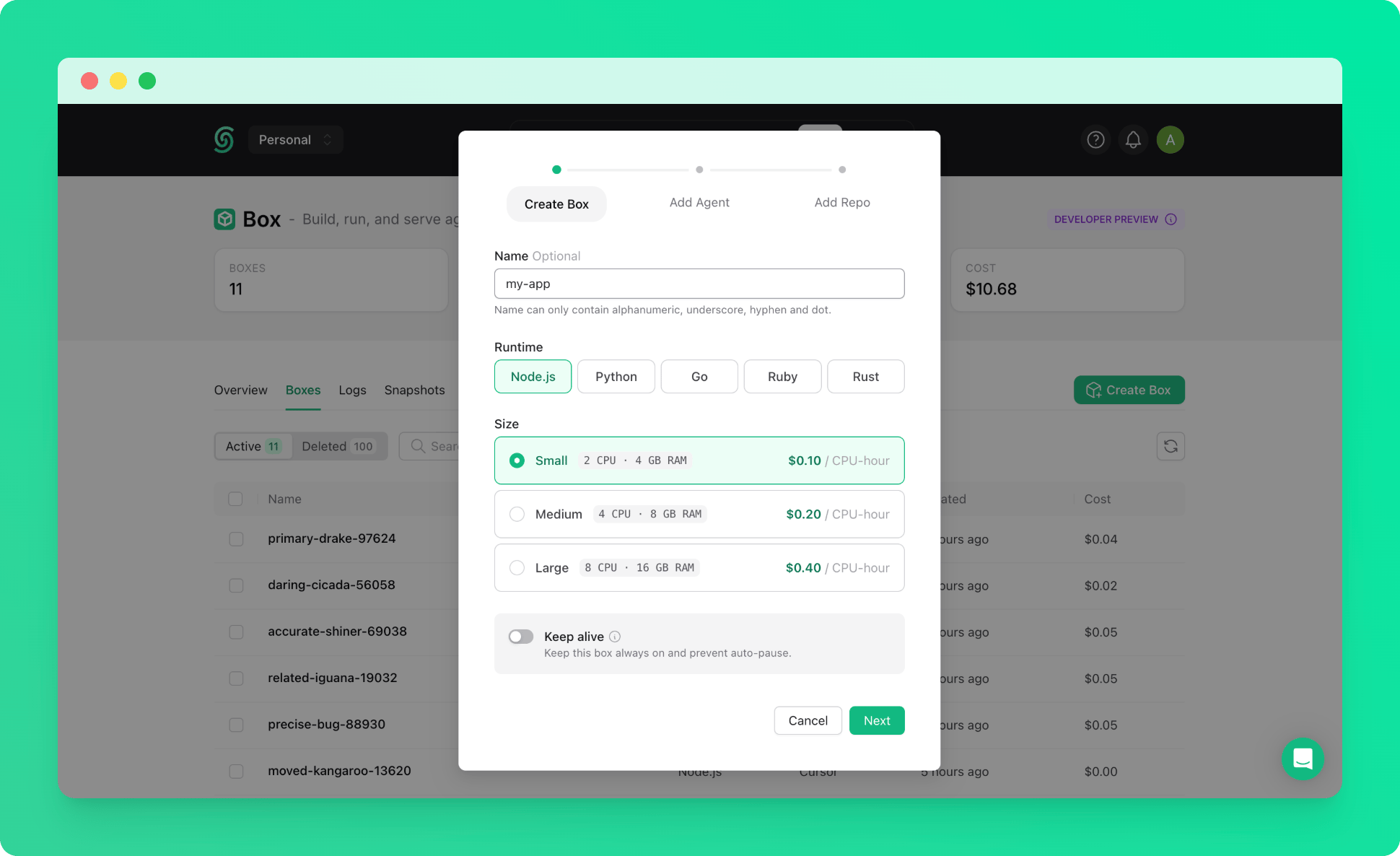
2. Create the Box
Ask your agent:Create a node box calledThe agent creates the box and clones the repository. You can also create a box in the Upstash Console and let the agent pick it up by name.web-devand clonegithub.com/my-org/my-appinto it.
3. Start Your Dev Server
Install the dependencies in the box and start the dev server on port 3000.The agent runs the install, starts the server in the background, and checks that the port answers. If something fails, ask it to read the logs. Starting without a repository? Ask the agent to create the app in the box, for example with
npx create-next-app@latest my-app.
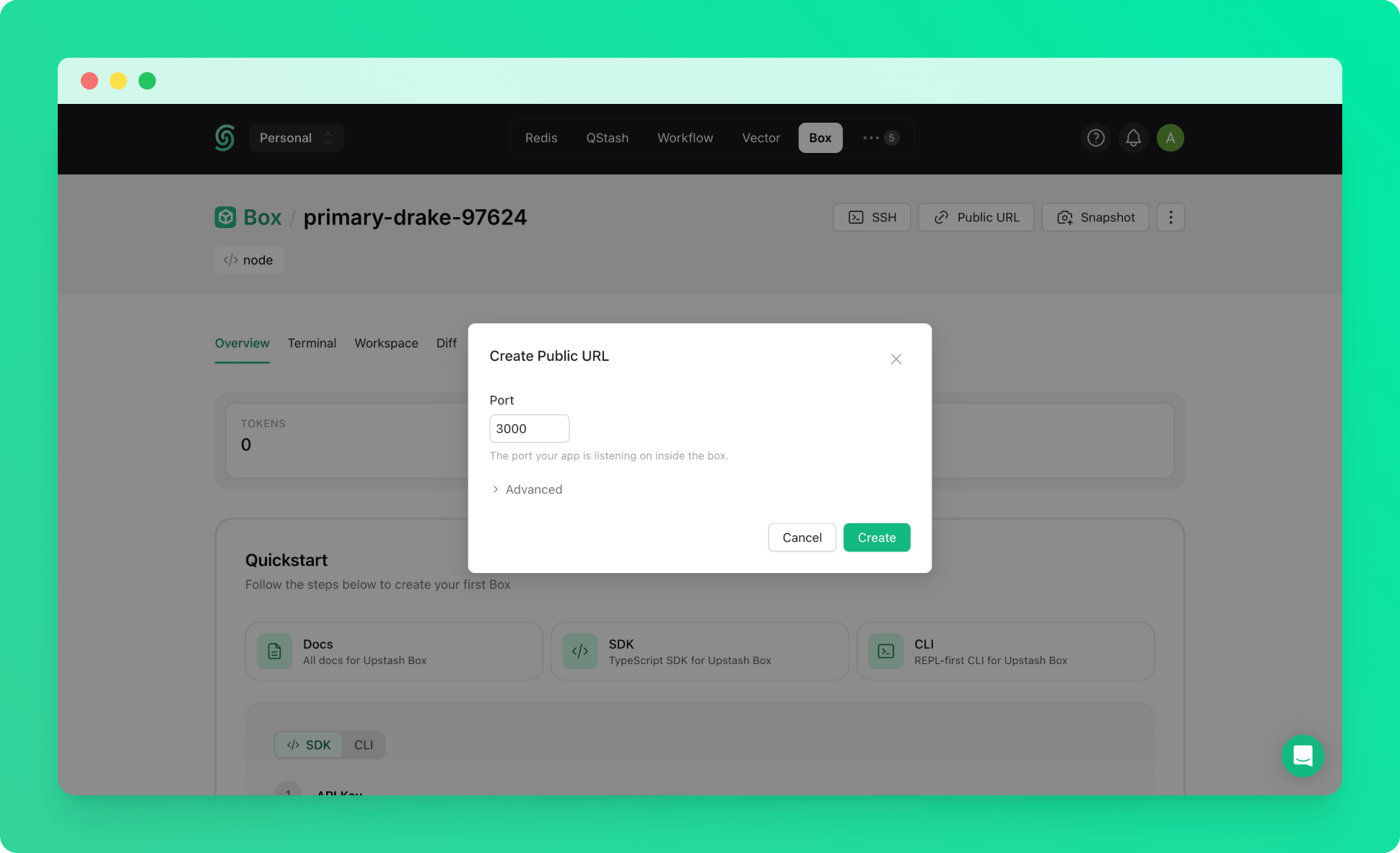
4. Open It in Your Browser
Give me a public URL for port 3000.The agent returns a URL like:
5. Come Back Tomorrow
A box pauses when you stop working and keeps your files. Ask the agent to start the dev server again, and the same URL works. To skip the setup next time, ask the agent to snapshot the box and create new boxes from the snapshot. See Snapshots.Example Prompts
- “Spin up a box with my repo cloned, install dependencies and start the dev server on 3000”
- “Give me a public URL for port 3000 with basic auth”
- “The dev server stopped responding, check the box logs and restart it”
- “Snapshot this box, then create two more from the snapshot”
- “Open the preview URL in the box’s browser, take a screenshot, and tell me if the layout broke”